 PlanWatch
Watch your Markdown update live.
Agents like Claude are constantly creating and rewriting Markdown — plans, docs, and notes. PlanWatch lets you follow along the moment each change lands, and read along on your iPhone or iPad sitting right next to your Mac.
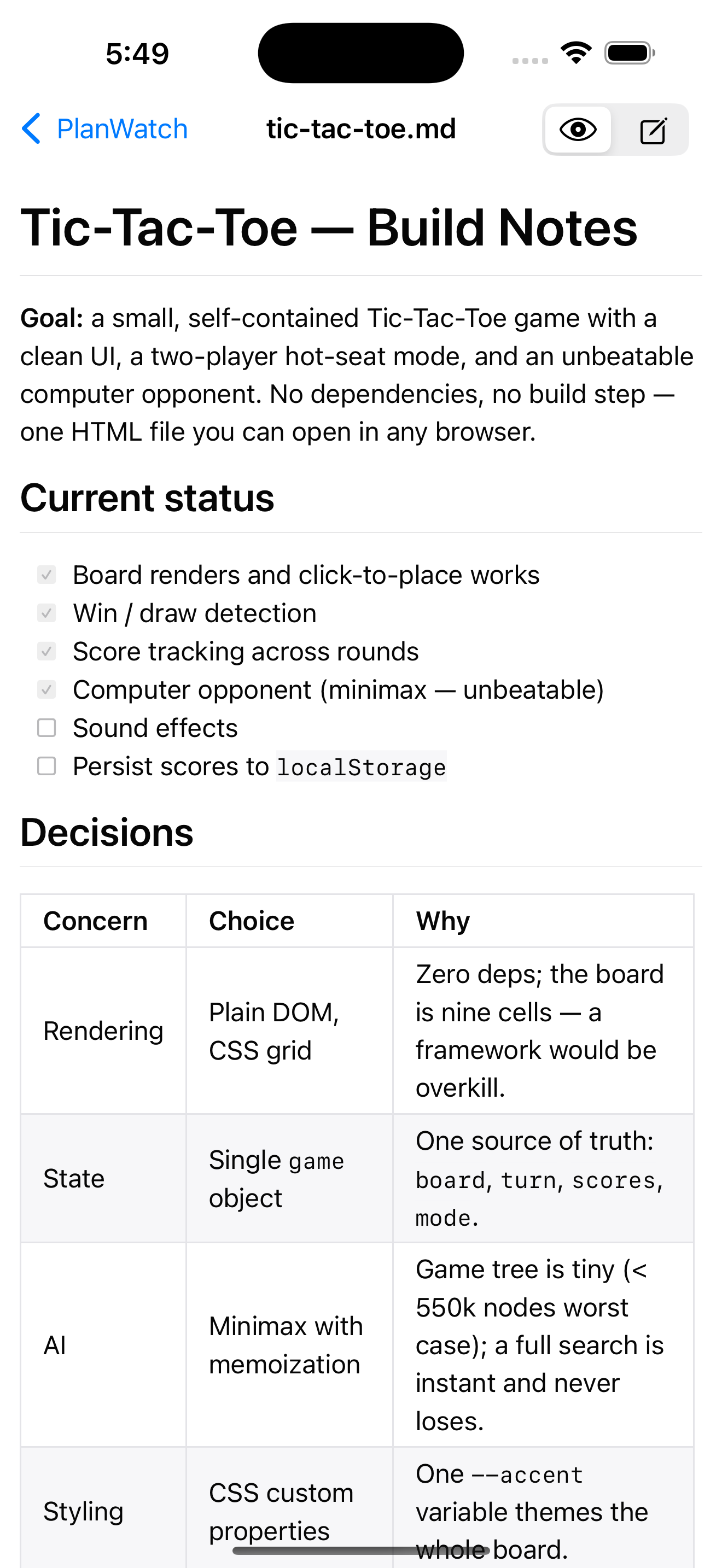
Native for macOS · iPad · iPhone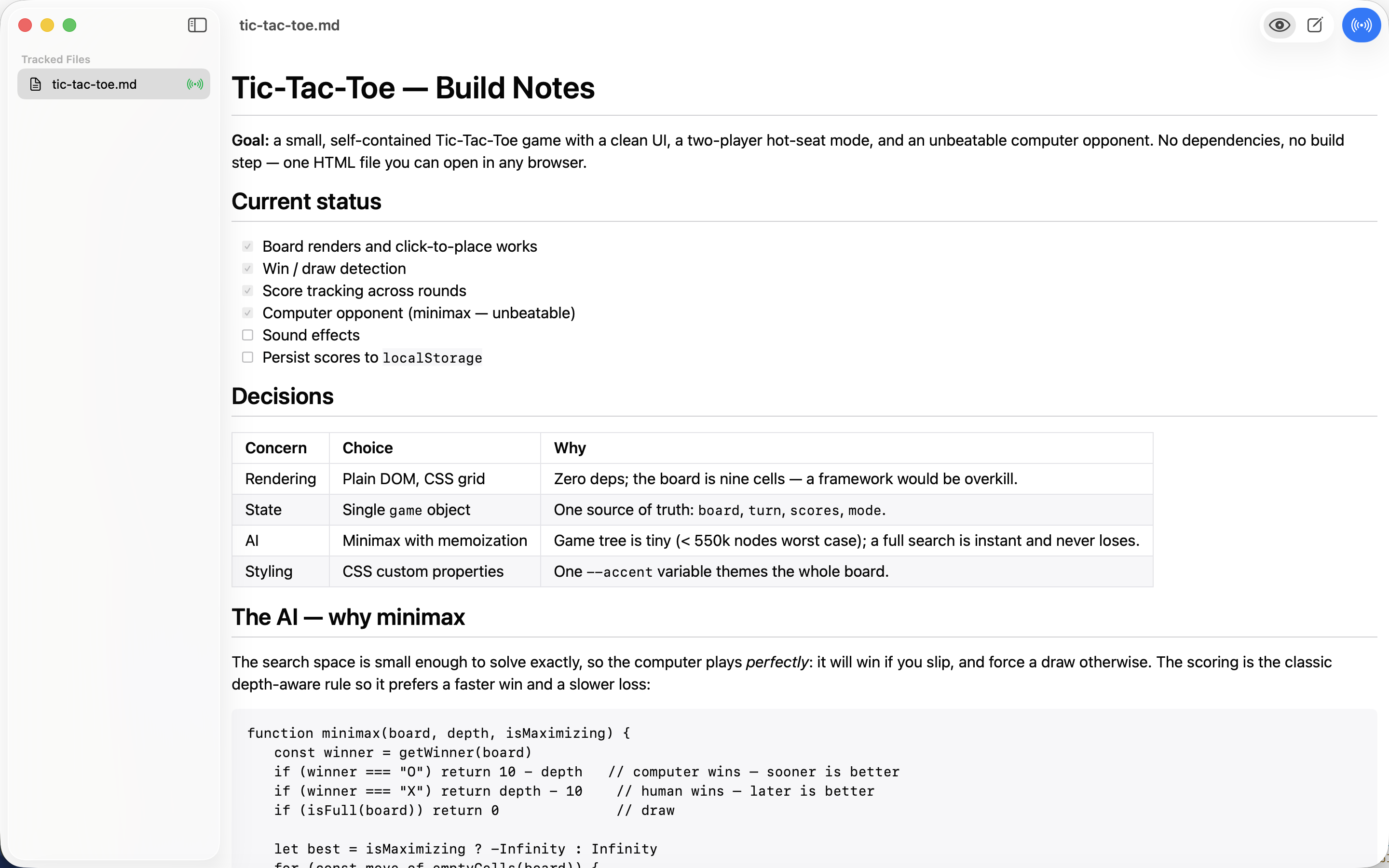
Follow every change
Point PlanWatch at any Markdown file that gets rewritten while you work. It re-renders live as the file changes on disk, scrolling and highlighting the exact section that moved.
Jump in safely
A split editor puts Markdown source beside a live preview, with a full formatting toolbar. Your edits merge safely with changes made to the file underneath you.
On every screen
Your Mac holds the files and streams changes to iPad and iPhone over your local network — so you can watch and read along from the device next to you.
Private by design
Your files stay on your machine. No account, no cloud, no tracking — PlanWatch only talks between your own devices on your own network.
Support
Questions, feedback, or running into trouble? We're happy to help — reach out and we'll get back to you.
Email support@gouldtechconsulting.comWhat is PlanWatch for?
When a background process or an AI coding agent rewrites your Markdown — project notes, plans, docs — PlanWatch renders each update live so you can follow along instead of re-opening the file.
How do the iPad and iPhone apps connect?
The Mac is the source of truth. The companion apps discover your Mac on the same local network and mirror the file you're watching. Nothing is sent to any server.
Can I edit files too?
Yes. Switch to Edit mode for a split source-and-preview editor with a Markdown toolbar. Edits are written back to the file on your Mac and merged safely with outside changes.
Does PlanWatch collect any data?
No. PlanWatch has no accounts and no analytics, and your files never leave your devices.